
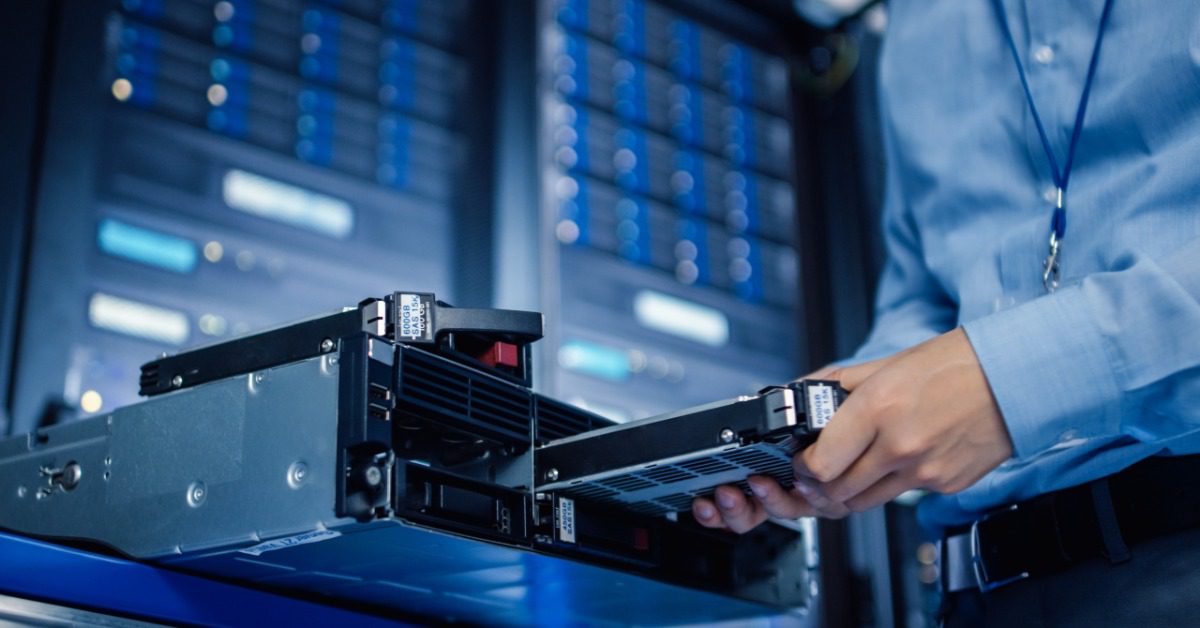
When an office move involves IT equipment and servers, a small oversight can cause a major disruption. Following a comprehensive checklist gives your team a clear way to protect critical systems, coordinate responsibilities, and prepare the new space before anything is disconnected. The process should begin well before moving day because backups, vendor schedules, and building access can all affect the timeline.
Build the IT Moving Plan Early
Begin planning as soon as the new location and expected move window are reasonably clear. Information technology equipment supports nearly every department, so its relocation should not be handled like a standard furniture move. Your IT team and office leadership will need time to coordinate with building contacts and service providers.
Assign one person to oversee the technology portion of the relocation. This project lead should maintain the schedule, document decisions, and keep communication moving between everyone involved.
Create a written timeline that covers every single detail of the move. Include contingency steps for service delays or equipment that does not restart as expected.
Document Every Device and System
A detailed inventory gives your team a reliable record of what must move and where each item belongs. Include servers, network switches, routers, firewalls, backup appliances, printers, phones, monitors, cables, racks, and power supplies.
Record the following information for each major item:
- Equipment name and function
- Manufacturer and model
- Serial number or asset tag
- Current and destination locations
- Responsible employee or department
- Special handling requirements
- Required shutdown and startup order
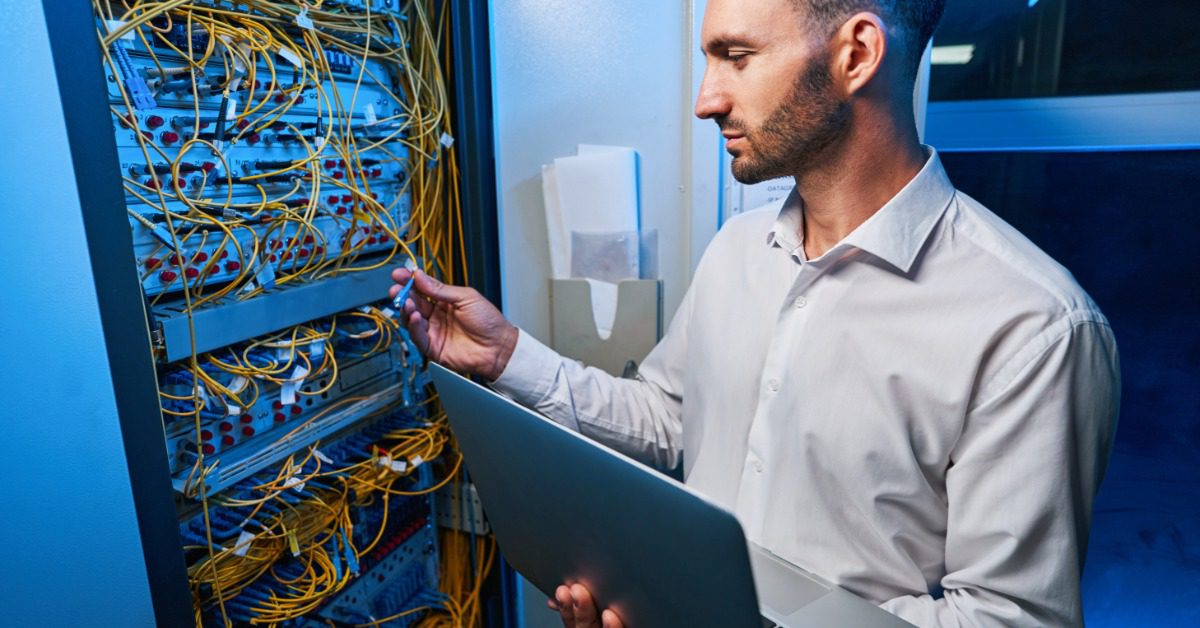
Take photographs of server racks, cable connections, and workstation layouts before disconnecting anything. These images can help your IT team rebuild configurations and confirm that components return to the correct positions.
Protect Data Before Disconnecting Equipment
Complete verified backups before the shutdown begins. A backup is only useful when your team can restore the information, so test representative files or systems rather than assuming the process worked.
Your IT team should confirm where backups are stored and whether the move could affect those locations.
Before moving day, complete these safeguards:
- Back up servers, databases, shared drives, and essential applications.
- Test selected files or systems to confirm restoration works.
- Record current configurations and software license information.
- Secure passwords and encryption details for authorized personnel.
- Confirm how sensitive drives and removable media will be transported.
- Prepare an escalation plan for failed backups or damaged hardware.
Schedule final backups as close to the shutdown as practical. Tell employees when they must stop editing shared files or using systems that will soon go offline.
Prepare the New Office Before Moving Day
The destination should be ready before the first server or workstation arrives. Confirm that electrical service and internet connectivity meet the needs of your systems.
Have your IT team inspect server rooms, network closets, and workstation areas. Check outlet placement and cable pathways first, then confirm rack space, ventilation, lighting, and door clearances.
Coordinate internet and telephone service early. Installation dates can affect the relocation schedule, especially when employees rely on cloud applications or remote access.
Confirm who can enter the building and when access is permitted. Movers and technicians may need badges or loading dock reservations.
Pack and Label Equipment Carefully
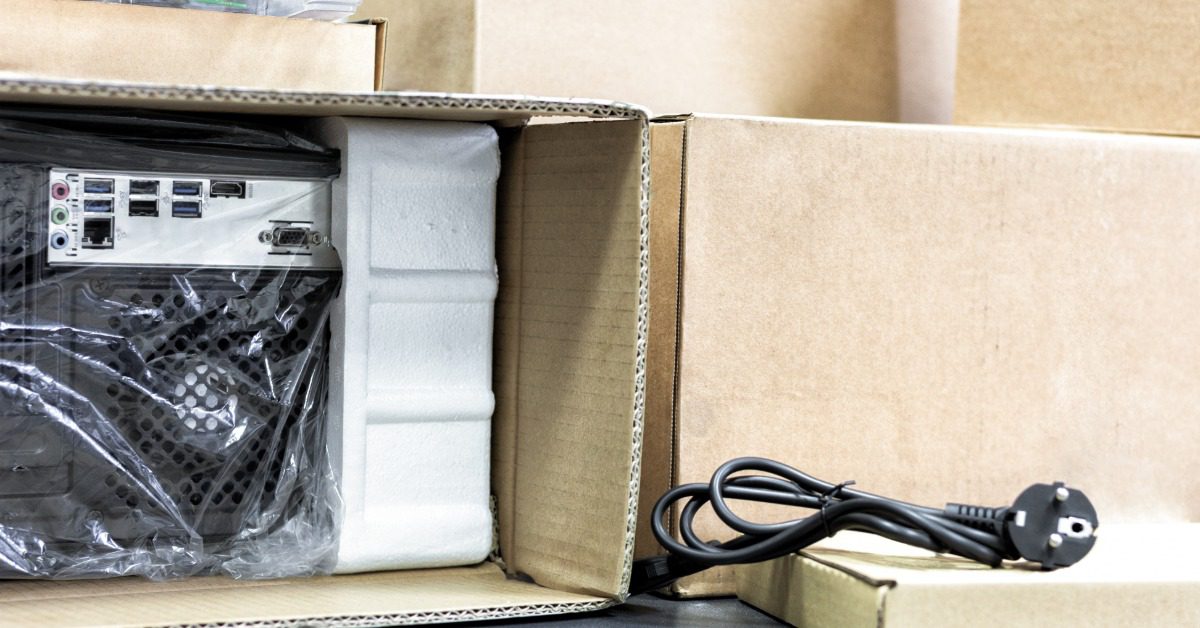
Use packing materials designed for sensitive electronics. Anti-static bags and protective cushioning can help shield smaller components, while sturdy cartons or padded covers may be appropriate for larger equipment.
Label every item on more than one side. Each label should identify the asset, destination, department, and setup priority without revealing confidential information.
Servers and network equipment may require additional preparation based on the manufacturer’s instructions. Confirm those requirements before disassembly or packing begins. This is also the time to identify equipment that should travel upright or receive extra cushioning during handling.
Control the Shutdown and Transport Sequence
A planned shutdown order helps protect systems and supports an organized restart. Your IT lead should determine which applications must close first and which equipment should remain active the longest.
Use a checklist during disconnection rather than relying on memory. Confirm that each device has been powered down correctly and labeled.
Update the inventory as equipment leaves the old office and arrives at the new one. This chain-of-custody process helps your team track high-value assets and identify missing items quickly.
Transport priority systems in a controlled sequence. Core network equipment and servers may need to arrive before general office technology.
Protect electronics from impact, moisture, dust, and extreme temperatures during handling. Equipment that stores confidential information should remain under controlled access throughout the move.
Test Every System Before Employees Return
Installation is not complete when the equipment is plugged in. Your IT team should follow a documented startup sequence and test systems according to business priority. Begin with power and network connectivity, then move to servers, security controls, internet access, and essential applications.
Test representative workstations in each department. Confirm that employees can sign in and reach shared resources.
Do not overlook conference rooms, wireless coverage, or remote access. These systems may seem less urgent during setup, but problems can disrupt meetings and hybrid work as soon as employees return.
Maintain a written issue log during testing. Record the problem, affected users, assigned owner, and current status. Keep the log available to both the IT lead and office manager so updates do not get lost between teams.
Complete the Move With a Final Review
A complete checklist for relocating IT equipment and servers should end with verification, not the first successful login. Compare the final inventory with the original record, confirm that all devices arrived, and document damaged or missing items.
After operations settle, meet with the IT team and project leaders. Discuss what worked and what should change before the next relocation. Update network diagrams, asset records, vendor information, emergency contacts, and recovery procedures to reflect the new office.
Move Your Technology With an Experienced Team
Moving servers and sensitive IT equipment takes more than careful packing. It requires coordination between your internal teams, service providers, and movers so equipment arrives where it belongs, and your staff can focus on getting operations back up and running. Working with an experienced commercial moving team can help bring structure to the physical side of the relocation while your IT professionals concentrate on protecting data and restoring critical systems.
If you are looking for a moving company in Milwaukee for an upcoming office relocation, Capitol North American can help coordinate your move. Contact our team to discuss your timeline, moving needs, and storage requirements, and request a quote for a commercial move planned around your business.

